
Stand mode · body pose
Two steps back.
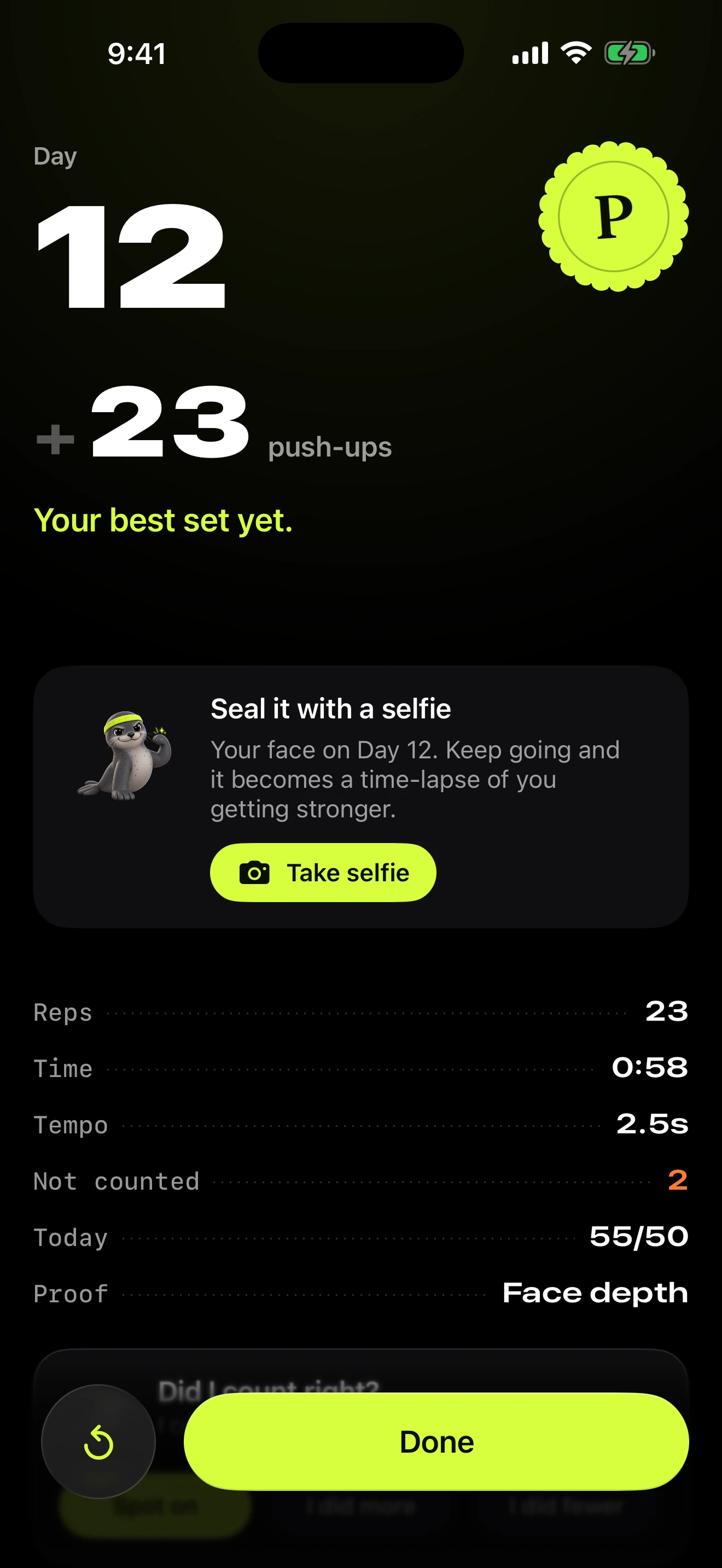
Stand your iPhone up in front of you and step back. The camera tracks your shoulders, elbows and hips, and only counts a rep that goes down to depth and back up to lockout.
A daily push-up pact · for iPhone
Your doomscroll apps stay locked until today’s push-ups are done. Your iPhone counts every rep on camera.
Free to download
iPhone · iOS 26
Today’s pact
27/30
Three to go. Your feed can wait.
The pact, in one number
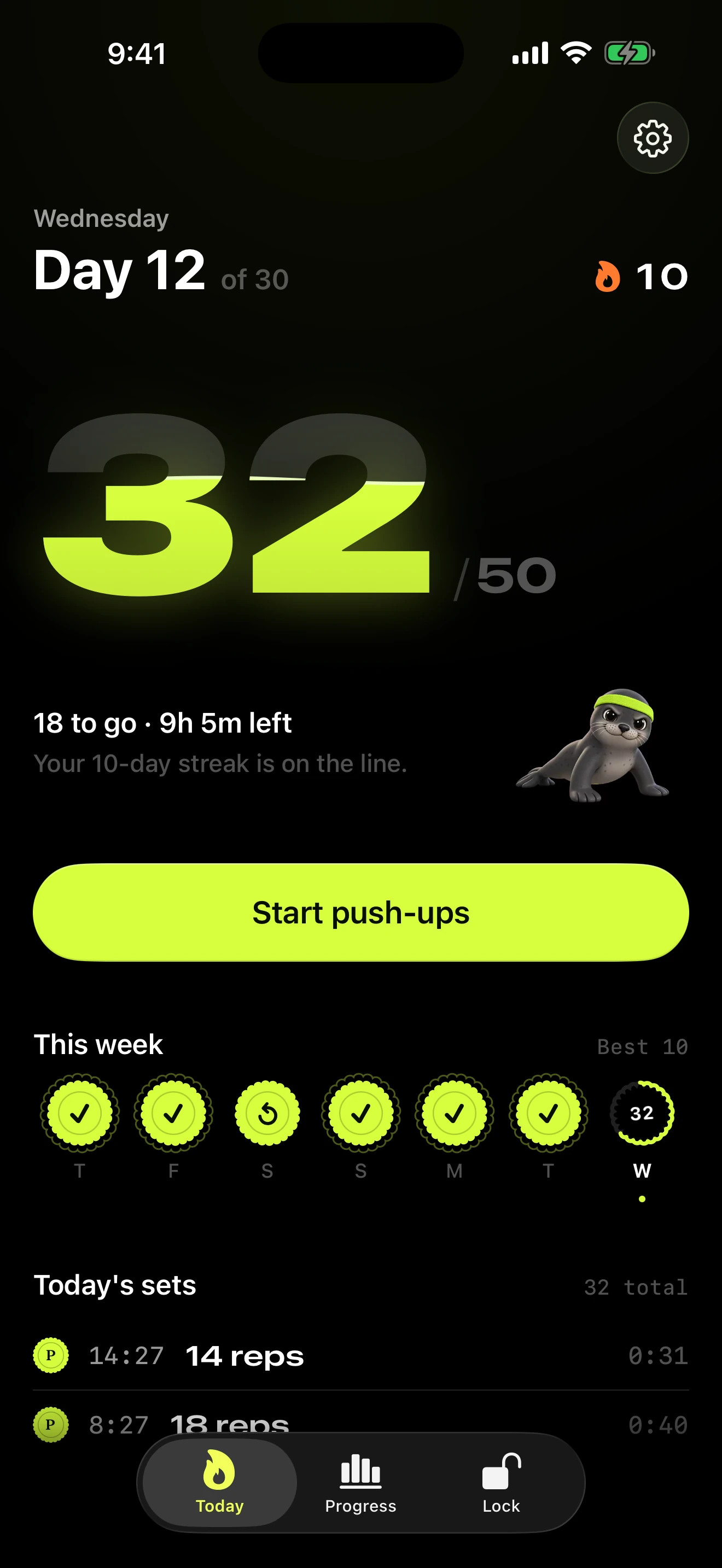
Thirty push-ups a day, for thirty days. A seal for every day you keep.
How it works

Sign a daily push-up pact. Pick your number and how many days, then put your name to it. Pip will hold you to it.
30 a day, for 30 days. Signed.

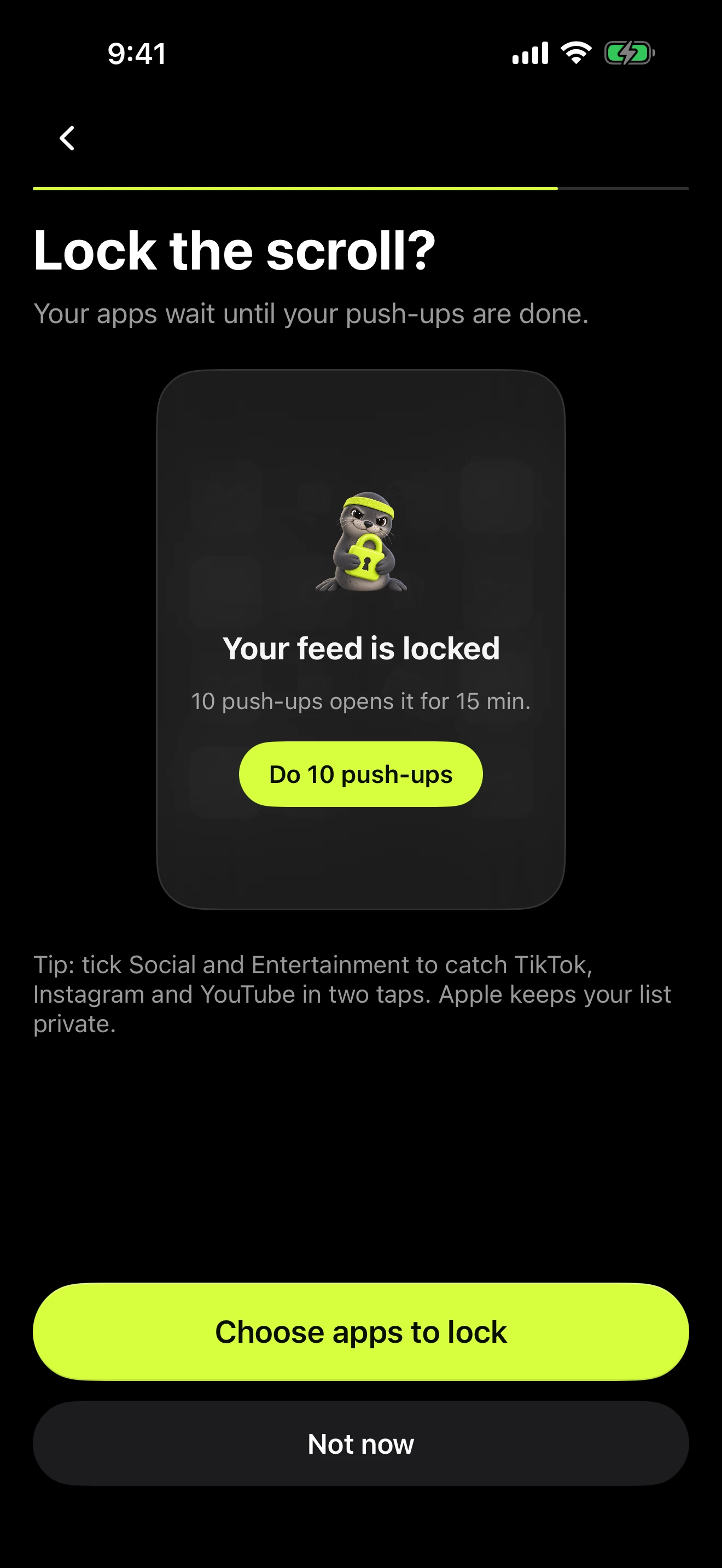
The apps you choose stay locked with Apple’s Screen Time until today’s push-ups are done. Finish the set and they open.

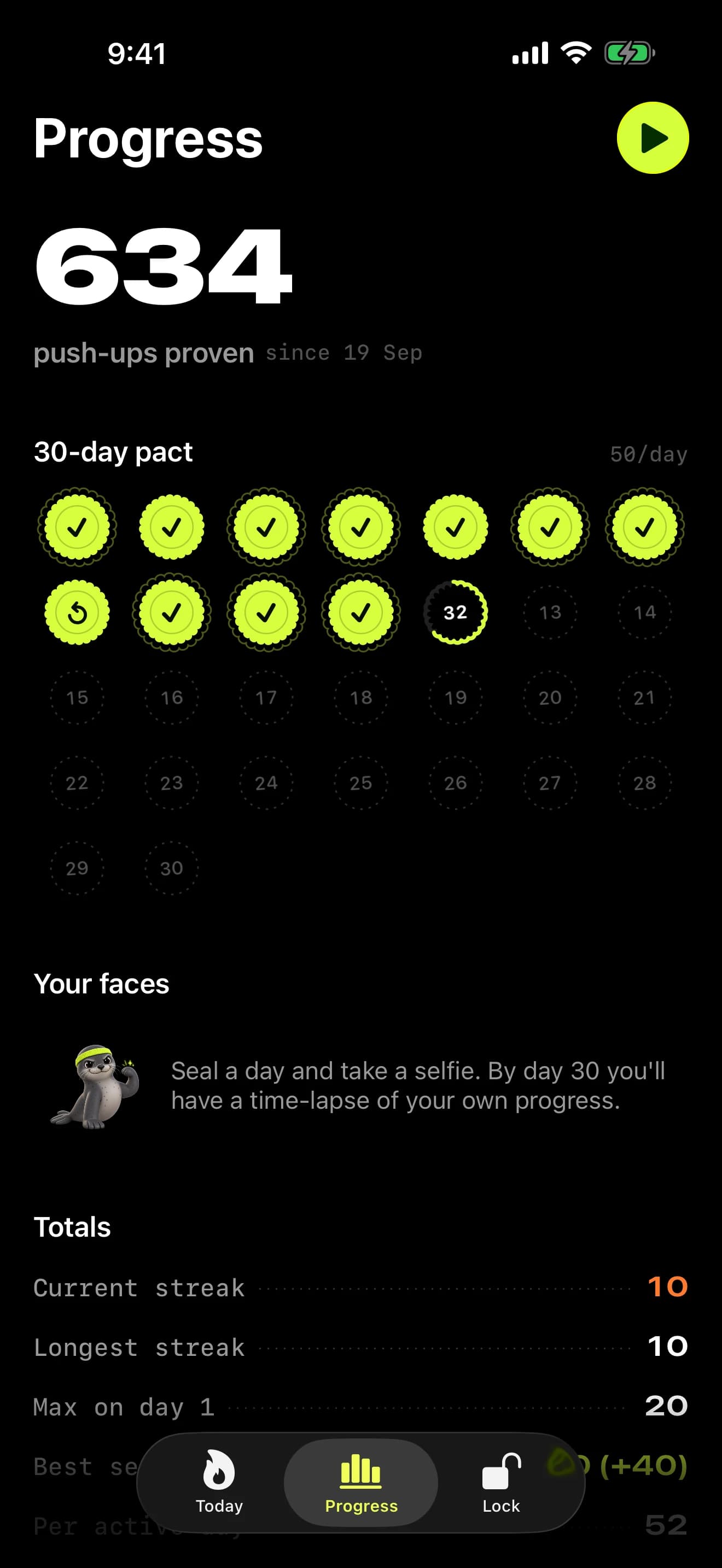
Seal each day with a selfie. Your private face wall grows day by day into a time-lapse of you getting stronger.
App Lock
Pick the apps. Apple's Screen Time keeps them shut until your push-ups are done.

0/10push-ups
Your apps, as usual.
Inside the app
Proof
On your iPhone, nothing uploaded.
Stand mode · body pose
Stand your iPhone up in front of you and step back. The camera tracks your shoulders, elbows and hips, and only counts a rep that goes down to depth and back up to lockout.
Floor mode · Face ID depth
Lay your iPhone flat on the floor below you. The TrueDepth camera, the sensor behind Face ID, measures how close you come on every single rep.
Counted one wrong? When the app asks “Did I count right?”, tell it. If you choose to send it, that set’s sensor numbers (never video, never audio) help us make counting fairer. How that works
Face wall & time-lapse
One selfie seals each day. Thirty of them become a time-lapse of you getting stronger.

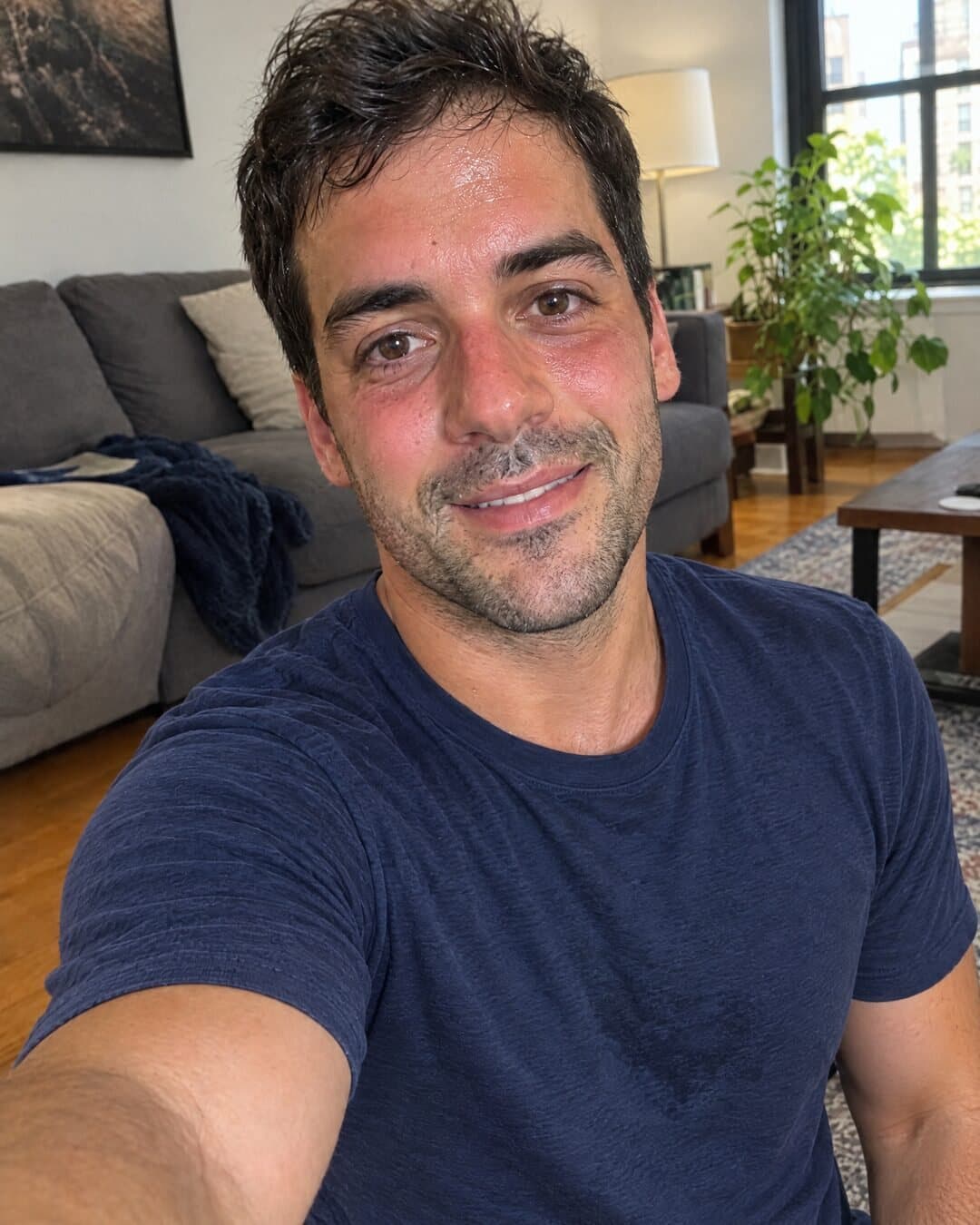
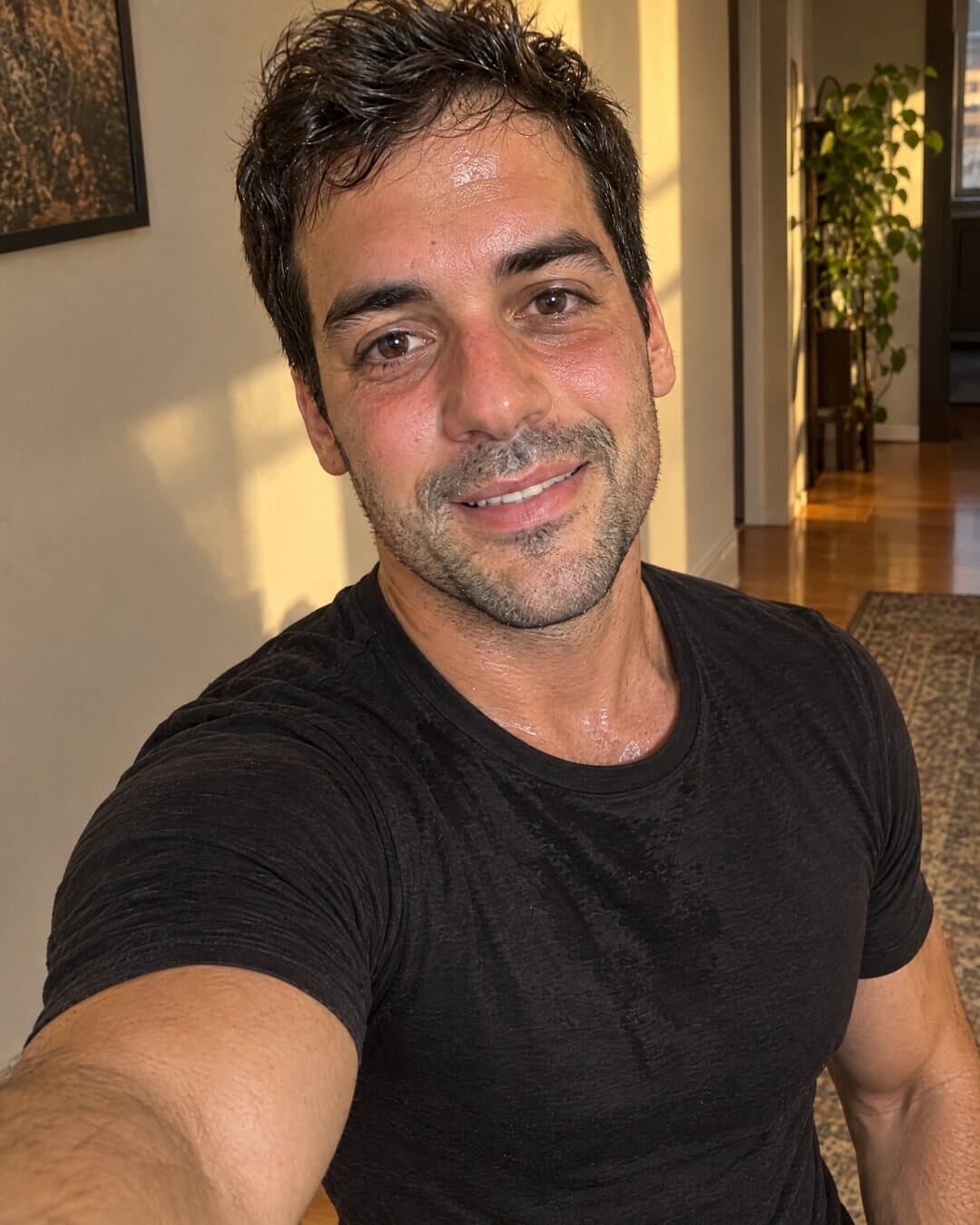

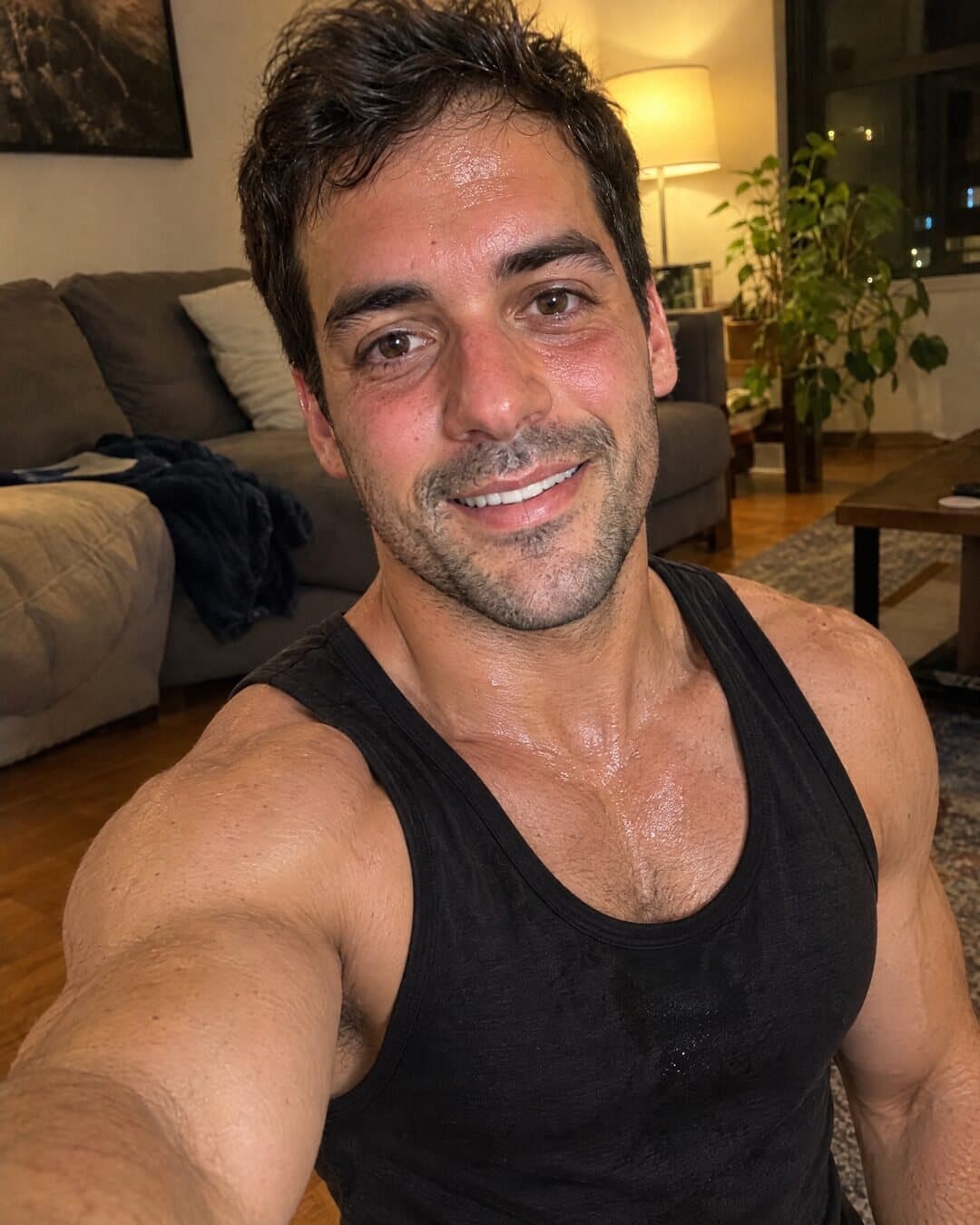
Your face wall · one sealed day at a time
Time-lapse
Day 30/30
Selfies stay on your iPhone. Share the film only if you want to.
What you're signing
The pact · No. 0001
I, Alex, promise to do 30 push-ups a day for 30 days. Until they’re done, my scroll stays locked.
Alex
Signed · Day 1
Streaks & day seals
Medals
Reminders
Share cards & films
Day 12 · sealed
30
push-ups
Everywhere on your iPhone
27/30
3 to go
Your count on the Home and Lock Screen, a live set on the Dynamic Island, and one tap from Control Center.
Privacy promise
No account.
No sign-up, no password, no email. Open the app and sign your pact.
Your camera stays yours.
Frames are analysed on your iPhone to count reps, then dropped. Never uploaded, never stored.
Your app choices stay with Apple.
App Lock runs on Apple’s Screen Time. PushPact can’t see which apps you picked or how long you use them.
No ads. No tracking. No selling.
Nothing about you is sold, shared with advertisers or followed across other apps.
The honest small print
To fix bugs and improve counting we collect crash reports and anonymous usage stats, including workout numbers like rep counts and streaks. No names, no photos, no video. One switch, Share anonymous diagnostics in Settings, turns both off.
Read the privacy policyNo. There’s no sign-up, no sign-in and no email address. Your pact lives on your iPhone.
No. The camera is only used to count reps, on the device, and frames are never uploaded or stored. The one exception is yours to make: if you choose to film a set, that film is saved to your Photos library.
Any iPhone running iOS 26. Stand mode uses the camera to track your body. Floor mode, with the phone lying flat under you, needs an iPhone with Face ID, because it uses the TrueDepth camera.
PushPact uses Apple’s Screen Time. You pick the apps in Apple’s own picker, and iOS keeps them locked until your push-ups are done. Apple never tells PushPact which apps you picked or how long you use them, so we couldn’t see them even if we wanted to.
Yes, any time. It’s your pact. Turn it off in PushPact, or remove its Screen Time access in iOS Settings.
PushPact is free to download from the App Store.
Your scroll is waiting
Sign today’s pact, do the reps, and scroll with a clear conscience.